
- Login to rundeck as admin user
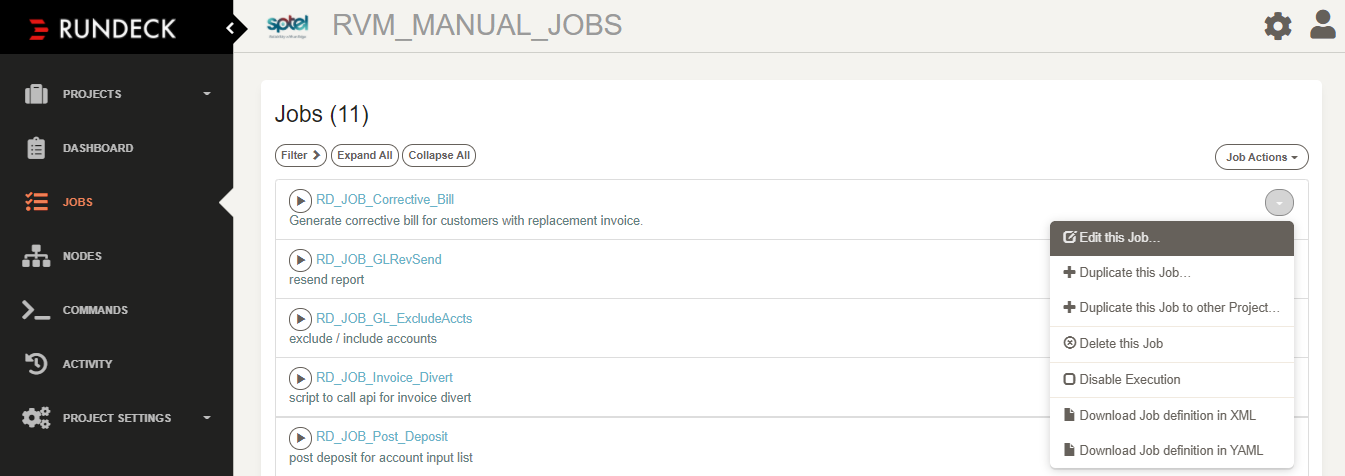
- In the JOBS section, for each rundeck job to be edited, select 'Edit this job…' from drop down option (right-end)
3. Once inside the 'Edit Job' page, scroll down until you find "Node Filter" option below "Nodes"
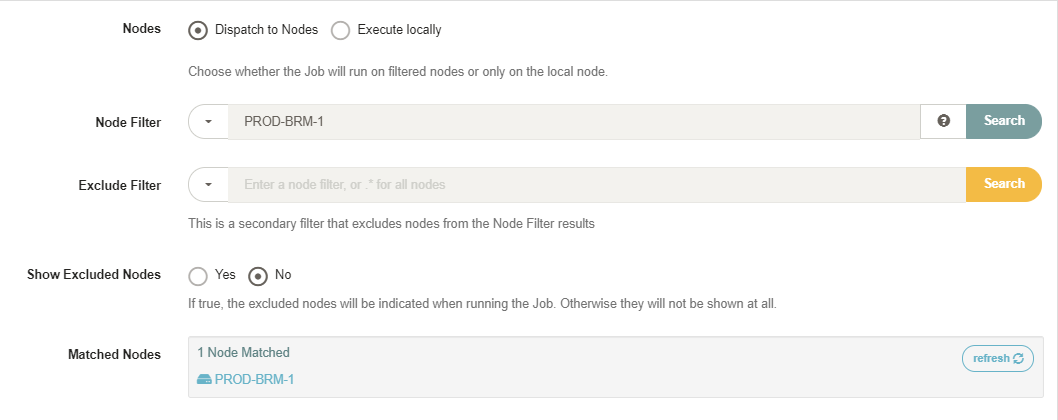
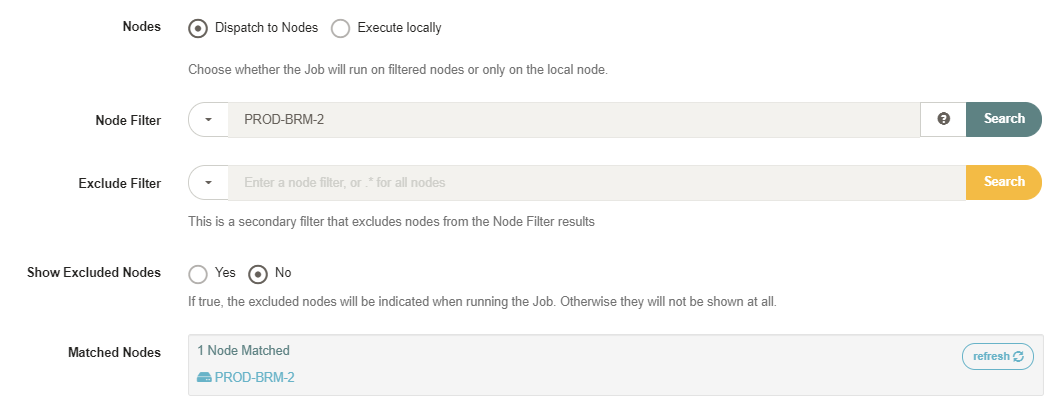
4. Edit the current node filter from 'PROD-BRM-1' to 'PROD-BRM-2' and click search (right-end blue button)
5. The searched node filter should match what is reflected in the "Matched Nodes" section
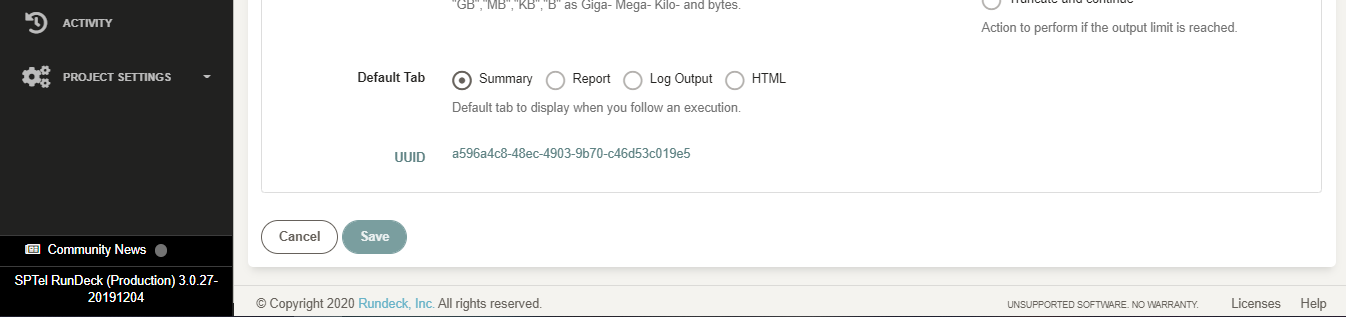
6. Scroll to the bottom-most part of the page and click save once done:
7. Do the same for other BRM rundeck jobs until all desired jobs are now pointed to run in BRM node 2