
If your role had been approved to purchase on behalf of your organization, you will be able to view the following additional menu "My Order" and "My Quote".
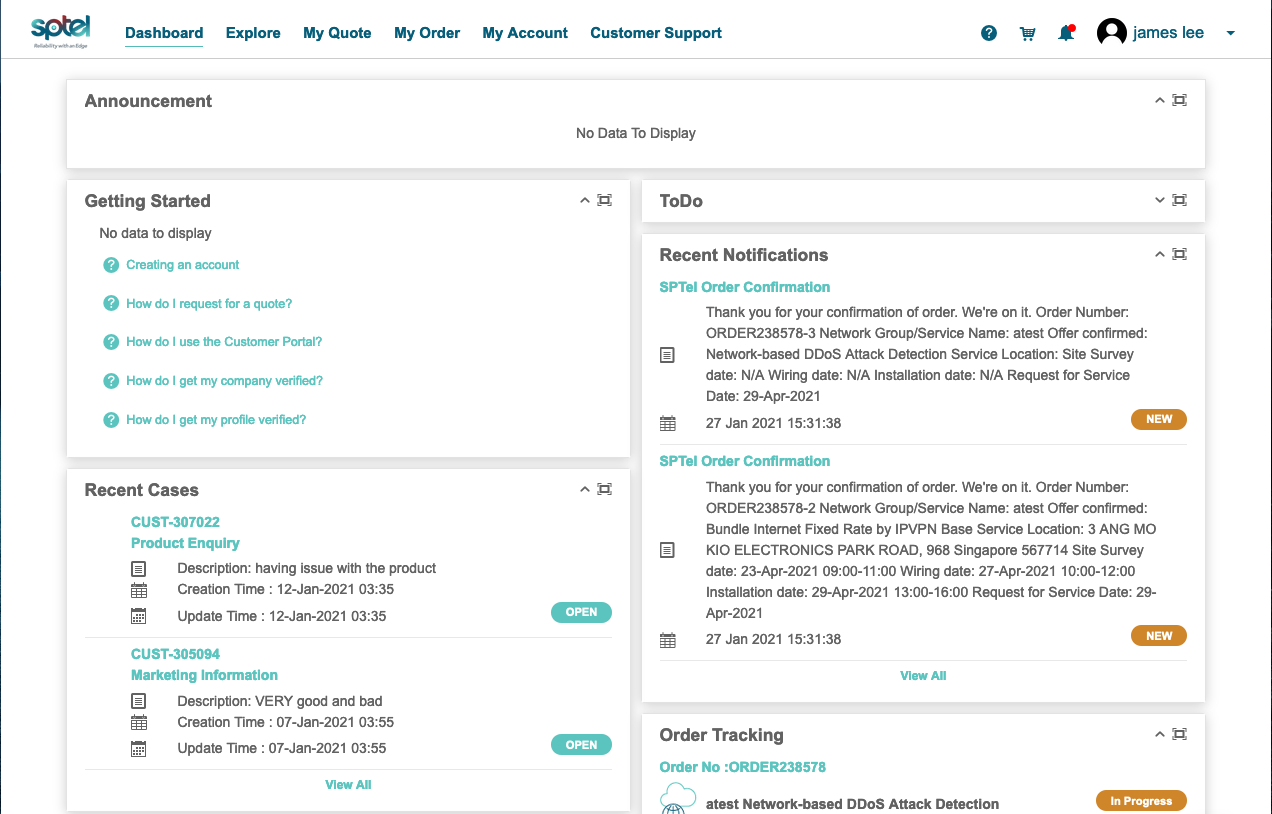
To start, you should mouse over to "Explore" and the sub-menu will be shown

you may choose either of the links.
For Explore by Product
You choose any of the product Category of your choice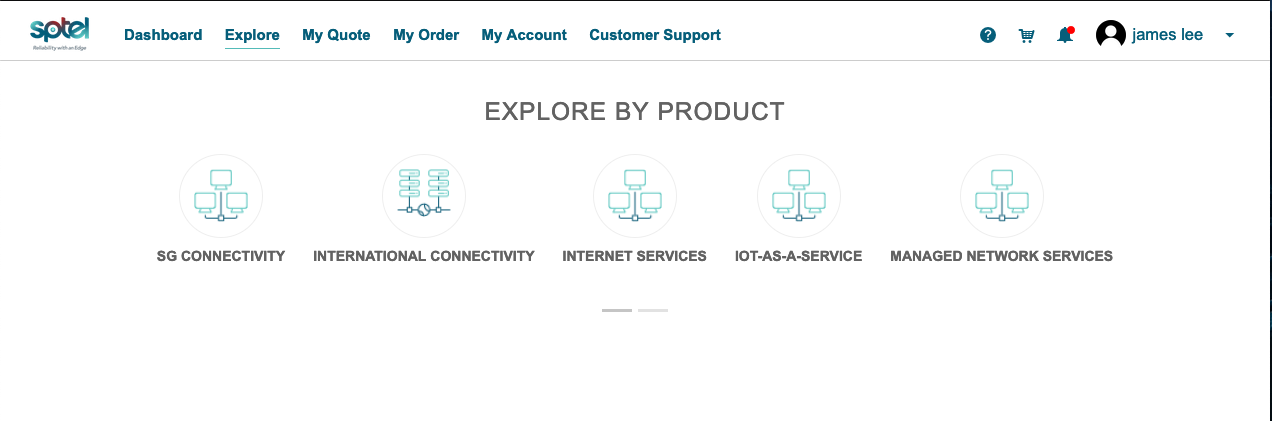
Products will be shown according to the category
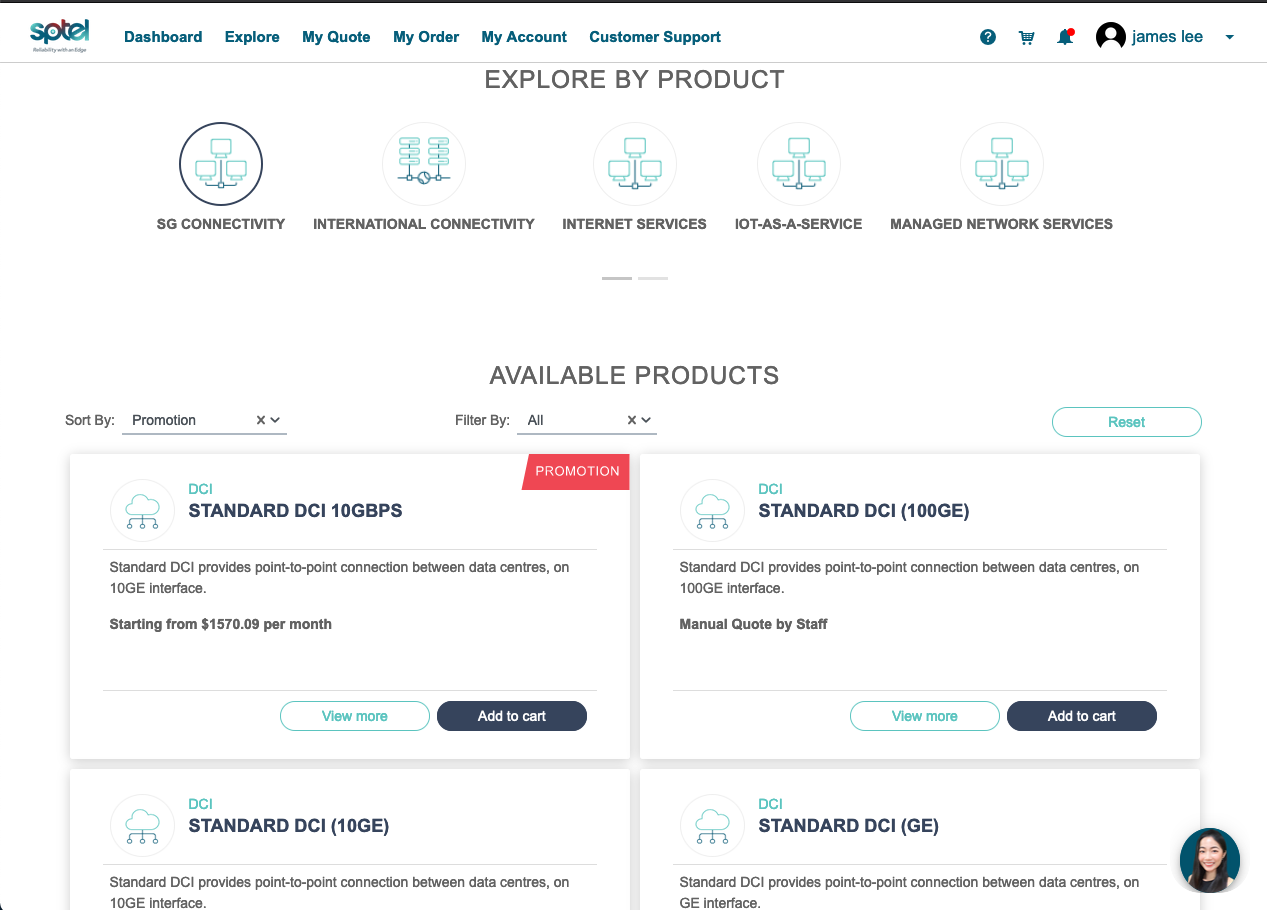
Select any product and click on "add to cart" and the shopping cart will be shown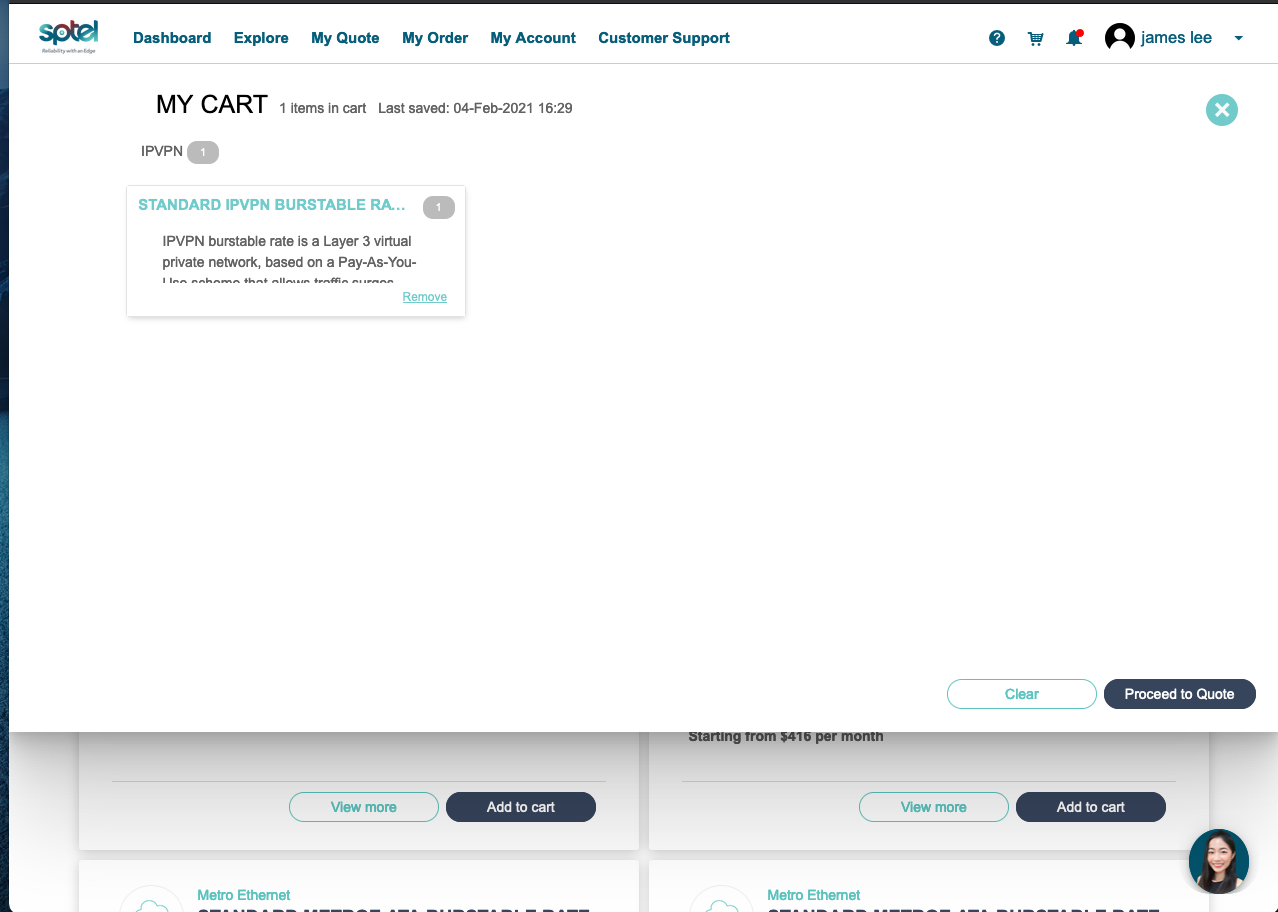
Click on the "Proceed to Quote" and you can start to configure the product by following the instruction in the screen.